
WordPress Maintenance Services: Why Small Businesses Need Regular Website Care
A simple guide to website security, updates, backups, speed, and reliable WordPress performance
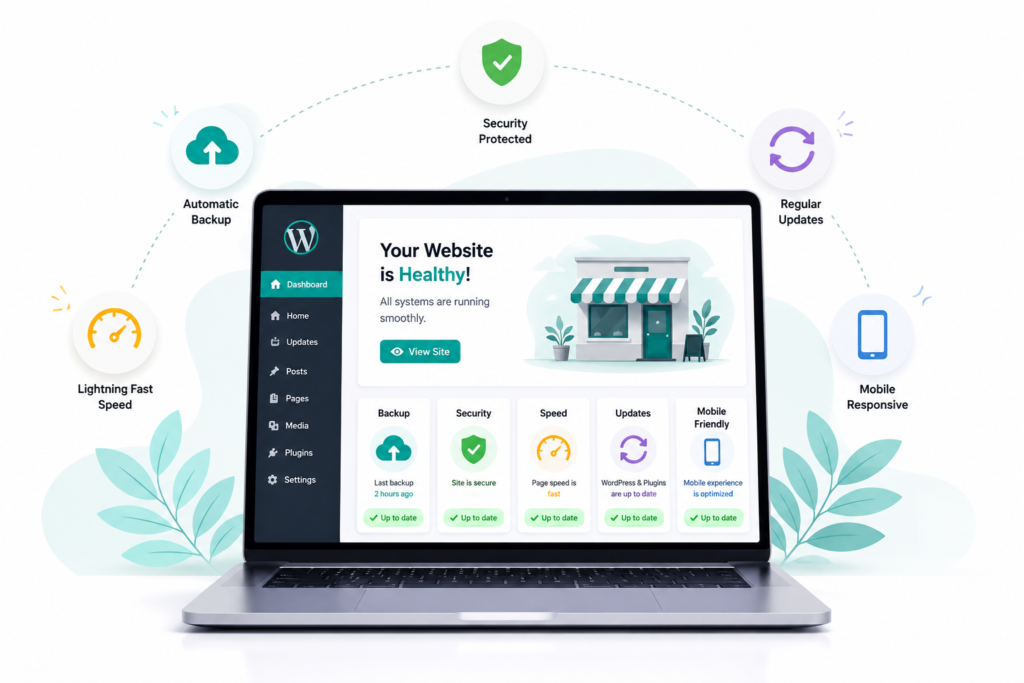
Introduction
A website can look perfect when it goes live, but that does not mean it will stay healthy on its own. WordPress websites need regular updates, security checks, backups, performance monitoring, and small technical fixes.
This is where WordPress maintenance services become useful. For a small business owner, regular website maintenance can prevent problems that may otherwise lead to broken pages, slow loading, security issues, or even lost enquiries.
For example, imagine a local salon whose booking page suddenly stops working after a plugin update. The website is still online, but customers cannot book appointments. A simple maintenance routine could have identified the problem earlier.
Table of Contents
What Are WordPress Maintenance Services?
WordPress maintenance means regularly checking and managing a website so it continues to work properly.
It is not limited to updating WordPress. A proper maintenance routine may include:
- WordPress core updates
- Plugin and theme updates
- Website backups
- Security monitoring
- Broken link checks
- Speed and performance checks
- Database cleanup
- Mobile responsiveness checks
- Error monitoring
- Basic content or technical fixes
The exact work depends on the website. A five page local business website may need less attention than an online store with hundreds of products.
Why Small Businesses Need Website Maintenance
Many small business owners focus on getting their website created but forget about what happens after launch.
Regular maintenance helps reduce avoidable problems
1. Security
Outdated plugins and themes can create security weaknesses. Keeping website software updated and removing unnecessary plugins can reduce potential risks.
2. Better Website Performance
A website that becomes slow can create a poor user experience. Regular cleanup, image optimization, and performance checks can help maintain reasonable loading speed.
3. Fewer Technical Problems
Small errors can become bigger problems when nobody monitors the website.
For instance, a restaurant website may have an enquiry form that stops sending messages. Without regular testing, the owner might not notice until several potential customers have already tried contacting them.
4. Reliable Backups
A recent backup gives you something to restore if a major problem occurs.
For a business website, backups should not be treated as an optional extra.
What Is Included in WordPress Maintenance?
Different providers offer different packages, but a useful maintenance plan usually covers several areas.
| Maintenance Task | Why It Matters |
|---|---|
| WordPress updates | Keeps the website software current |
| Plugin updates | Helps improve compatibility and security |
| Backups | Provides a recovery option |
| Security checks | Helps identify suspicious activity |
| Speed checks | Supports better user experience |
| Broken link checks | Prevents poor navigation |
| Mobile testing | Ensures the site works on phones |
| Error monitoring | Helps identify technical issues |
A good practice is to take a backup before making major updates. If something goes wrong, the previous version can potentially be restored.
Common WordPress Problems Businesses Face
Some problems appear small but can affect customers directly.
Plugin Conflicts
Two plugins may not work well together after an update. This can cause a form, menu, button, or page to stop functioning.
Slow Loading
Large images, unnecessary plugins, poor hosting configuration, and unoptimized website files can contribute to slow pages.
Broken Forms
Contact and enquiry forms should be tested regularly. A website that receives visitors but fails to deliver enquiries is a serious business problem.
Outdated Software
Leaving WordPress, themes, or plugins outdated for long periods can create compatibility and security concerns.
How Often Should a Website Be Maintained?
There is no single schedule for every website.
For a basic local business website, checking the important areas every month can be a reasonable starting point. Websites that receive frequent updates, handle payments, or depend heavily on online enquiries may need more frequent monitoring.
A simple approach is:
- Weekly: Check important forms, website availability, and obvious errors.
- Monthly: Review updates, backups, security, links, and performance.
- Quarterly: Review unused plugins, website content, mobile experience, and overall performance.
The important point is consistency rather than simply performing maintenance once in a while.
A Simple WordPress Maintenance Checklist
Before considering your website properly maintained, check these areas:
- Is there a recent working backup?
- Is WordPress updated?
- Are plugins and themes updated?
- Are unused plugins removed?
- Are contact forms working?
- Does the website work properly on mobile?
- Are important pages loading correctly?
- Are there broken links?
- Has website security been checked?
- Is the website speed still acceptable?
This checklist can help a small business owner catch problems before customers do.
How to Choose a WordPress Maintenance Service
If you decide to outsource maintenance, do not select a provider only because they offer the cheapest package.
Ask what is actually included.
A reliable provider should clearly explain:
- What updates are included
- How backups are handled
- How often security checks happen
- Whether performance monitoring is included
- What happens if an update breaks the website
- Whether technical support is available
- What is included and what costs extra
For a small local business, clear communication can be just as important as technical knowledge.
Frequently Asked Questions
Conclusion
A business website is not a one time project. Once it starts bringing visitors, enquiries, bookings, or sales, it needs regular attention.
WordPress maintenance services help small business owners keep their websites updated, secure, functional, and easier to manage. Regular checks are usually much easier to handle than dealing with a major website failure after it happens.
For a local business, the goal is simple: when a potential customer visits your website, important pages should work exactly as expected.
